Description
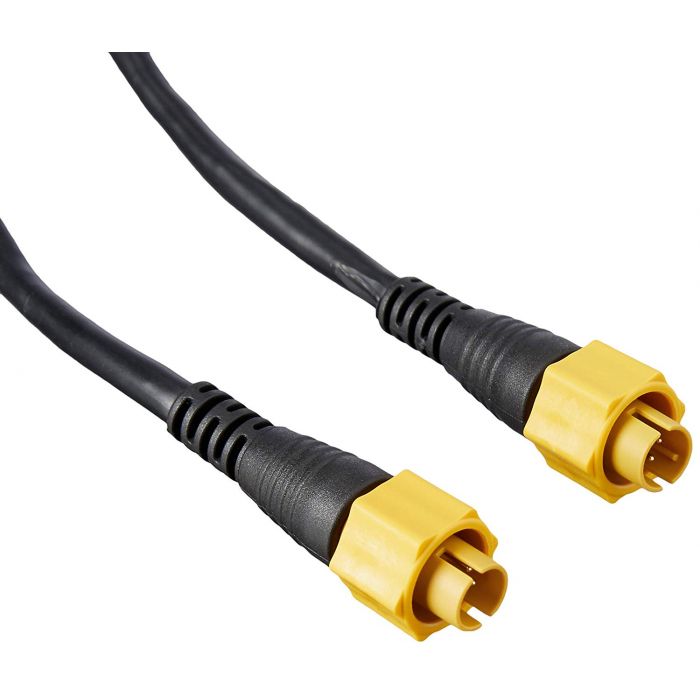
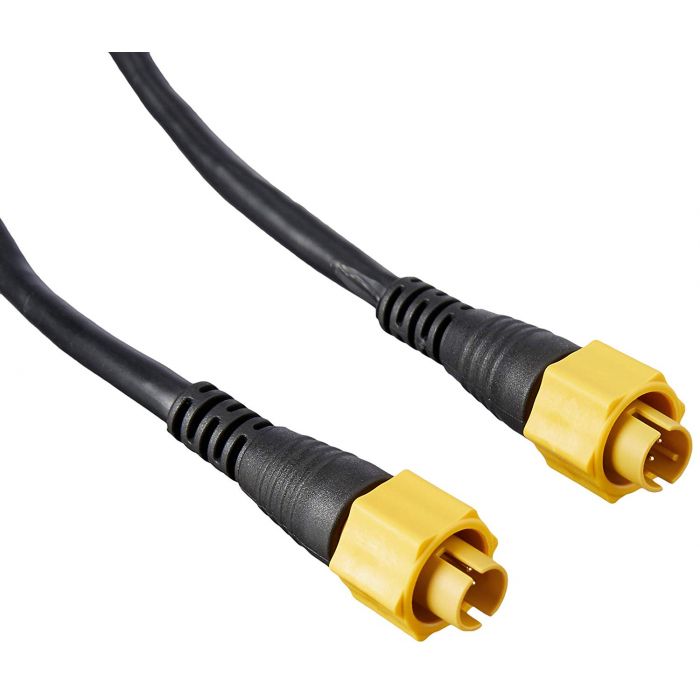
The Lowrance ETHEXT-25YL Ethernet cable is a 25 ft extension for the yellow network plug Lowrance uses to tie displays and add-on modules together. It’s the length we usually suggest when a cable has to go from the console to the bow and a 15 ft cable comes up short once it follows the gunwale. You’ll also see the part written as ETHEXT25YL.
What travels over Lowrance Ethernet
Ethernet carries the heavy data on a Lowrance boat. Two networked displays can share sonar and charts, and modules such as a sonar box or a radar talk to the display over this same type of cable. Smaller data like GPS position, heading and engine readings usually rides on the separate NMEA 2000 backbone, so most rigged boats run both networks side by side.
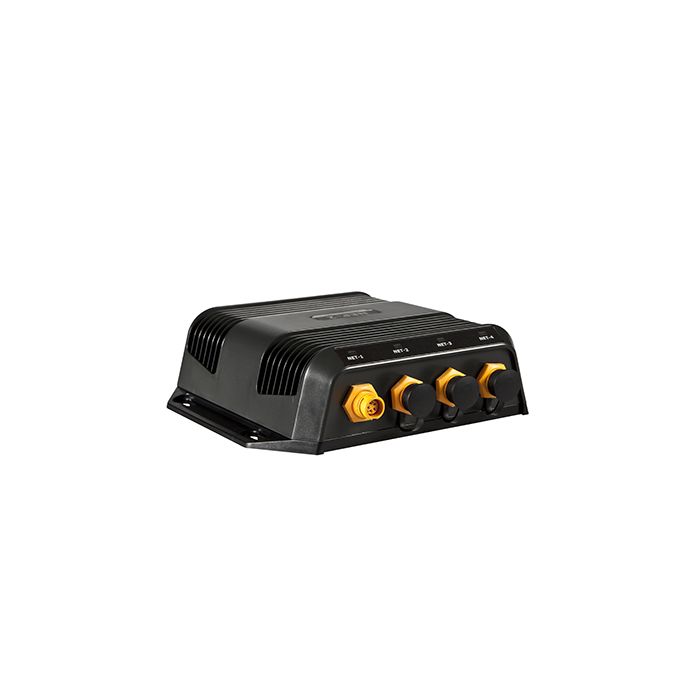
On the current HDS PRO, Lowrance lists two 100 Mbit Ethernet ports and up to six displays on one network (see the HDS PRO page). If you run out of ports, a hub like the Navico NEP-2 expansion port adds more.
Is a 25 ft run the right length?
Lowrance makes this cable in several lengths and we stock four of them:
- 6 ft: the ETHEXT-6YL, for a display and a module under the same console.
- 15 ft: mid-boat runs, like a console to a module mounted near the transom on a small boat.
- 25 ft: the Lowrance ETHEXT-25YL Ethernet cable on this page. Console to bow on a lot of bass and multi-species boats, depending on how the cable is routed.
- 50 ft: longer hulls, or routes that have to go through the bilge and back up.
Measure the path the cable will really take, not a straight line from bow to dash. Count the trip under the gunwale, around rod lockers and past hatch hinges, then leave a little slack at each end so the plug isn’t hanging on its own weight.
Routing tips for the Lowrance ETHEXT-25YL Ethernet cable
- Tape the plug and wrap it smooth before you fish it through a rigging tube, so the collar doesn’t snag.
- Keep data cables away from the trolling motor and outboard power leads where you can. Keeping them apart makes interference less likely and makes a problem easier to trace later.
- Where the cable comes up through the deck or into a console, a Wire Puck grommet keeps it neat and protects the jacket from a sharp hole edge.
- Hand-tighten the locking collar fully. A half-seated plug is a common reason a networked display can’t see its module.
Lowrance ETHEXT-25YL Ethernet cable questions
Will it plug into my older Lowrance unit?
Lowrance has used this yellow Ethernet plug on HDS displays and their add-on modules for a long time. Check the port on the back of your unit against the photo. If it’s the yellow round port, the Lowrance ETHEXT-25YL Ethernet cable plugs straight in. Send us the model if you’re unsure.
Can I join two shorter cables instead?
You can with a coupler, but every joint is another spot for water and a loose collar. We’d rather you buy one Lowrance Ethernet cable that reaches.
Can I return it if it’s too short?
Electronics, cables included, are final sale here, so measure first. The details are on our returns page, and the rest of our Lowrance cables are in Lowrance graph accessories.
Not sure which length you need? Email sales@trollingmotorsdirect.org with your boat, your displays and what you’re connecting, and we’ll help you plan the runs.