Description
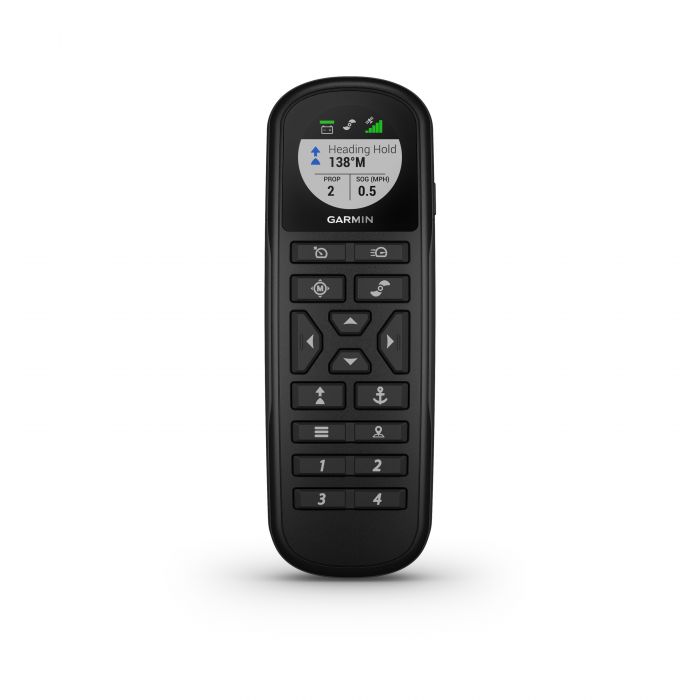
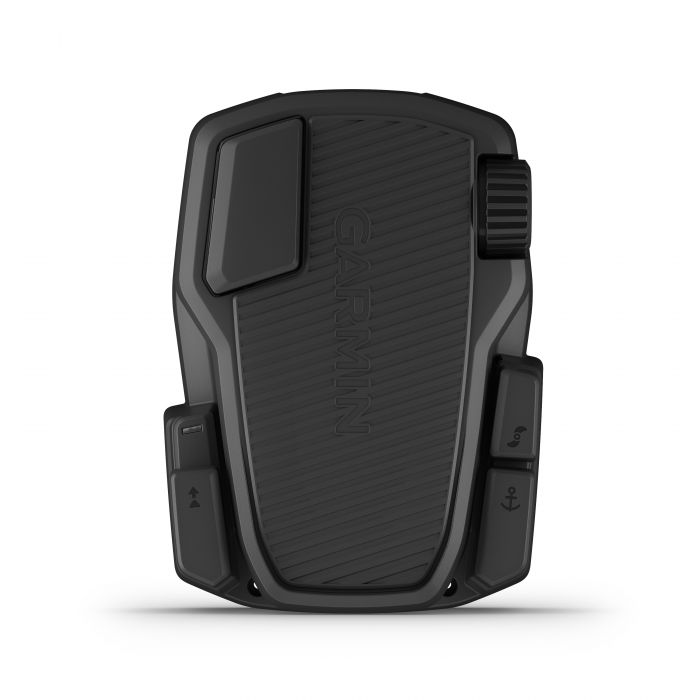
If your pedal is cracked, worn out or missing, the Garmin Force foot pedal, model 010-12834-00, is the factory replacement. It’s the wireless pedal for Force trolling motors, and it’s also the one to buy if you’d like a spare in the truck for tournament days.
What the pedal controls
Garmin’s Force manual describes a steering pedal, a speed wheel, and momentary and continuous prop controls. The pedal also has an anchor lock button, and steering with the pedal takes the motor out of anchor lock. It talks to the motor wirelessly on 2.4 GHz, so there’s no cable running across the deck to trip on.
Garmin explains how anchor lock behaves on its holding your position page. You can also jog the anchor point about 5 ft at a time from the remote, and our spot lock guide explains how GPS anchoring works.
Garmin Force foot pedal specs
| Spec | Garmin figure |
|---|---|
| Model | 010-12834-00 |
| Connection | Wireless, 2.4 GHz |
| Battery power | 2 AA alkaline, NiMH or lithium (not included), lithium recommended |
| Battery life | At least 1 year |
| Wired power | 10 to 45 V input, rated for 12, 24 or 36 V; 2 m (6.6 ft) cable with a 2 A mini-blade fuse |
| Weight | 1.8 kg (4 lb) |
| Water rating | IPX7 |
Pairing a replacement pedal
- Turn on the trolling motor and press the motor’s display panel three times to enter pairing mode.
- Bring the pedal within 1 m (3 ft) of the motor.
- Connect power to the pedal or put the batteries in.
- Within 30 seconds, hold the pedal’s button until the LED turns blue, then let go.
The full procedure is in Garmin’s Force owner’s manual. If the pedal won’t pair, fresh lithium AAs fix more problems than you’d expect.
Looking after it
Rinse the Garmin Force foot pedal with fresh water after a salt trip and let it dry before the cover goes on. Pull the AAs before winter storage so a leaking cell can’t foul the contacts, and check the wired power lead for chafe where it crosses the deck.
Common questions
Will the Garmin Force foot pedal work with a Force Pro or Kraken?
It’s sold as the replacement wireless foot pedal for Force motors. The Force Pro ships with its own pedal, so email us your model before ordering a spare for one.
Can I run the pedal and a remote together?
Yes. Garmin’s manual allows a foot pedal plus up to two remote controls on the motor. We also carry the Force handheld remote.
Is the pedal returnable?
Electronics are final sale at our shop. See our returns policy before ordering.
Email sales@trollingmotorsdirect.org with your Force model and serial label photo and we’ll confirm the pedal is the right one. Spare props, remotes and other Garmin parts are in our Garmin trolling motor accessories.