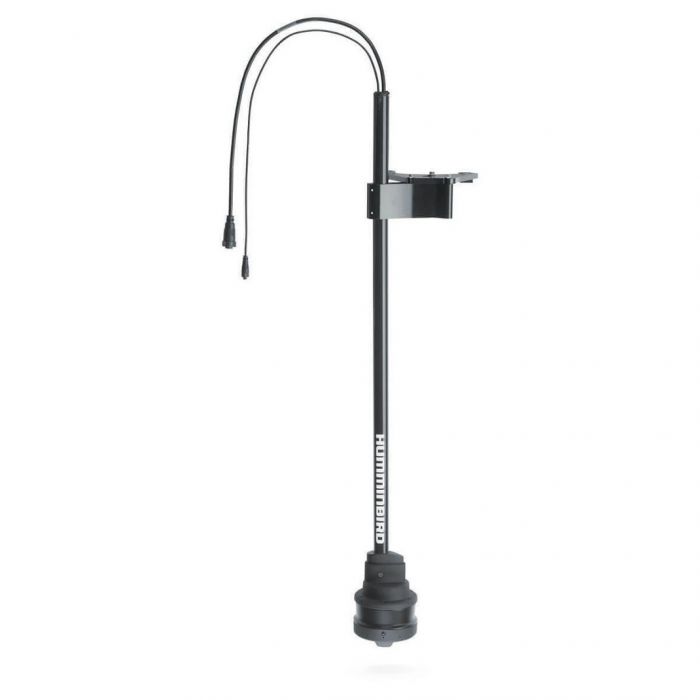
Humminbird MEGA Live 2 is Humminbird’s current live sonar transducer. It shows fish, bait and your lure moving in real time out to 150 ft, it runs on XPLORE, APEX and SOLIX G3 graphs, and it costs $1,599.99 here. It does not work with any HELIX. If you already run a newer Humminbird graph and want live sonar, this is the one to buy.
Brand change: on October 6, 2026, Humminbird’s fish finders and sonar moved under the Minn Kota name. Minn Kota says MEGA Live 2 is getting a software update with better Down Mode, cleaner hard returns, improved fish and jig tracking, and less interference between transducers. A separate Minn Kota Live Sonar is due in early 2027.
What changed from the original Humminbird MEGA Live
Humminbird announced MEGA Live 2 in December 2024 and shipped it in January 2025, at $1,499.99 list. It follows the first MEGA Live, which came out in 2021.
Here’s what Humminbird says is new:
- Target separation: better separation between single fish, bait and cover.
- TargetBoost: a new setting that makes suspended fish and bait stand out in open water. It works in the top-down mode.
- Color palettes: 15 of them, with names like Citrus Shad, PB&J and Doppler.
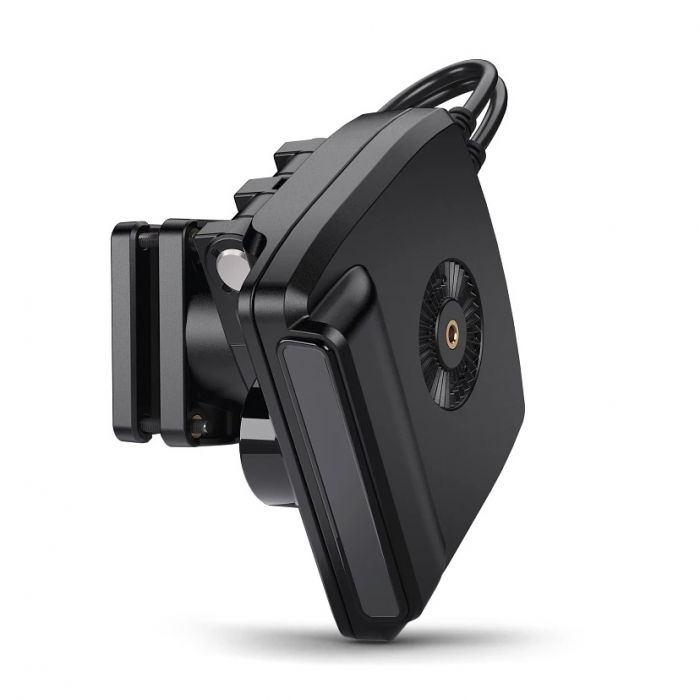
- Mount: redesigned, with 7.5 degree adjustment steps and new locking positions.
The other big change is compatibility. The first version ran on a wide range of Humminbird graphs, including some HELIX models with an adapter cable. The new one only runs on XPLORE, APEX and SOLIX G3.
| Item | Original MEGA Live | MEGA Live 2 |
|---|---|---|
| HELIX | HELIX 8 to 12 G3N and 7 to 15 G4N (MEGA SI or MEGA DI models) with the AS EC QDE adapter | Not compatible |
| SOLIX | All SOLIX | SOLIX G3 only, software 5.060 or later |
| APEX | All APEX | All APEX, software 5.060 or later |
| XPLORE | All XPLORE | All XPLORE |
| TargetBoost | No | Yes |
The basics of MEGA Live didn’t change. It’s still one transducer with no separate sonar box, it still has Forward, Down and a top-down view, and it still connects to the graph by Ethernet.
If you have a HELIX and want live sonar, you’d need the original version or a new graph. We don’t sell HELIX units or the first-generation transducer.

Views and modes
MEGA Live has three views: Down, Forward and a top-down mode. You change between them by changing the transducer’s angle on the mount.
Down is 0 degrees, pointing straight below. Each click upward adds 7.5 degrees, up to 90. Humminbird’s operations guide marks Forward at 60 degrees. For the top-down mode, the guide says to use the higher angle markings in shallow water and the lower markings in deeper water.
The graph picks the mode on its own based on how the transducer is set. You can turn Auto off and choose it yourself.
Settings worth knowing
- Down display: Narrow shows only what’s right under the transducer, Full shows more, and Wide shows everything the beam covers.
- Persistence: leaves a short trail behind moving targets, at Low, Medium or High. It helps you see which way a fish is heading.
- Dynamic Contrast: Low is meant for tracking a lure, Balanced is the middle, and High gives the clearest definition.
- Range: lower numbers show more detail close in, and higher numbers show more distance with less detail.
- Palettes: picked from the X-Press Menu and applied to every live view.
There are two ready-made combo views, live sonar with regular sonar and live sonar with the chart. In a custom split view the live image needs at least half the screen, so a bigger graph helps.
You can mark waypoints in any mode, but they only show in the top-down mode. You need a GPS heading sensor for that and for the other navigation features.
Which view for which fishing
- Forward: casting to brush, docks and rock, and watching fish come to the bait.
- Down: vertical jigging, standing timber and ice fishing.
- Top-down: open water and flats. It’s where TargetBoost works and where your waypoints show up.
A first-trip setup
Do this on calm water near cover you know, before you fish with it for real.
- Update the graph software at the dock. APEX needs 5.060 or later.
- Set the mount to the Forward position and check that the graph switched to Forward on its own.
- Set Dynamic Contrast to Low and watch a jig fall past a brush pile.
- Turn Persistence to Low so moving fish leave a short trail.
- Try a few palettes and keep the one where your lure is easiest to see.
- Move the transducer to the top-down position over open water and turn on TargetBoost to see how suspended fish show.
- Mark a waypoint on a school and check that it shows in the top-down view.
Humminbird MEGA Live 2 specs
These come from Humminbird’s install guide and operations guide, plus a dealer listing for the beam size.
| Spec | Value |
|---|---|
| Frequency | 1.05 MHz CHIRP |
| Maximum range | 150 ft |
| Beam | 20 x 120 degrees |
| Power input | 10 to 20 VDC, connected to a 12V supply |
| Current draw | 1.15 A maximum |
| Fuse | 2 A |
| Cables | 20 ft Ethernet, 10 ft power |
| Operating temperature | 32 to 158 degrees F |
| Color palettes | 15 |
| Our price | $1,599.99 |
The 150 ft range is the most the guide lists. Humminbird notes that performance in salt water depends on the install, water type, thermal layers, bottom and slope.
Which Humminbird units it works with
We sell two Humminbird lines that run it: XPLORE and APEX. Humminbird’s compatibility page is the final word, and here’s how it lines up with our store.
| Humminbird unit | Runs MEGA Live 2 | Sold here |
|---|---|---|
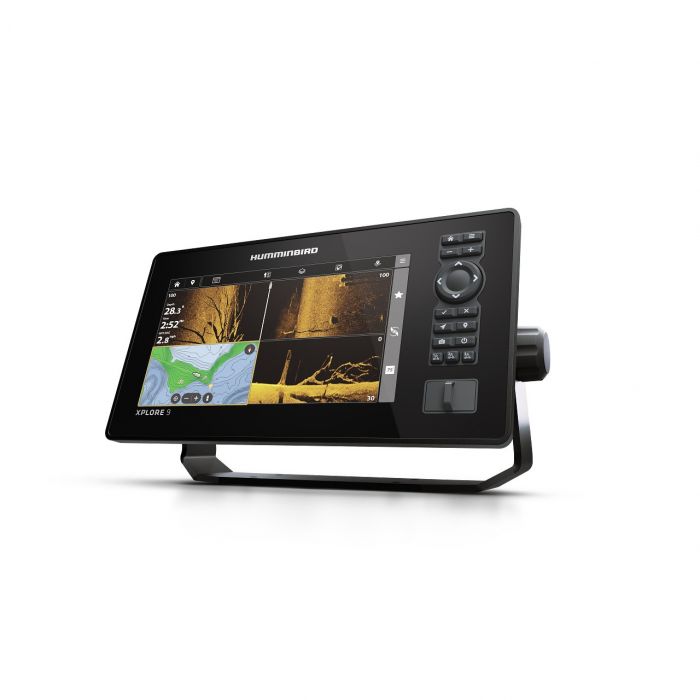
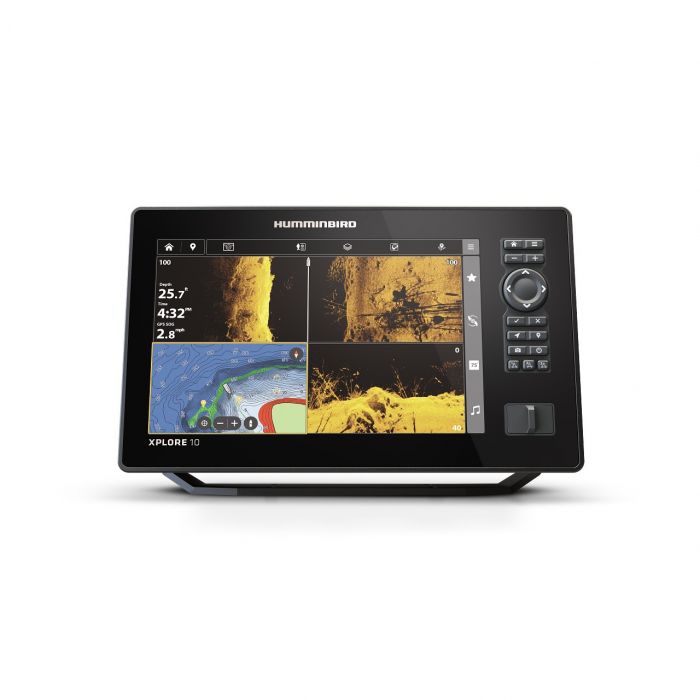
| XPLORE 9, 10, 12 | Yes | Yes |
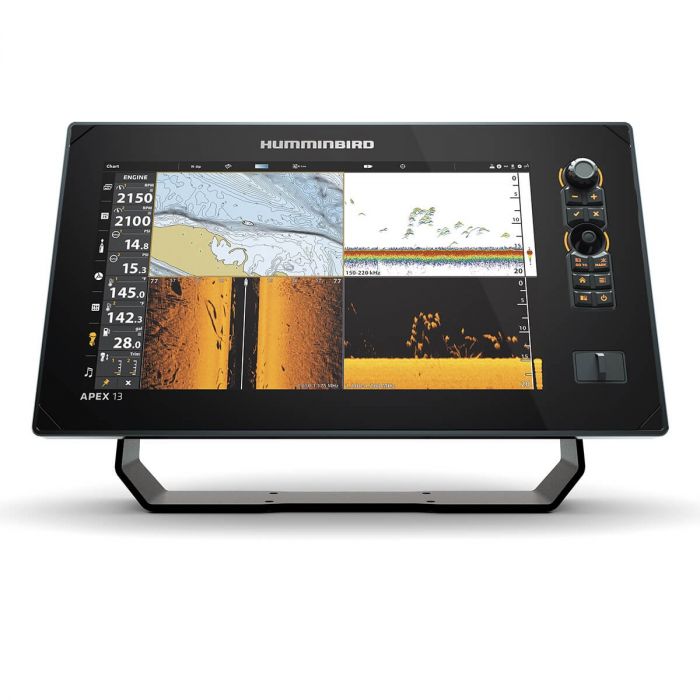
| APEX 13, 16, 19 | Yes, software 5.060 or later | Yes |
| SOLIX G3 | Yes, software 5.060 or later | No |
| SOLIX G1 and G2 | No | No |
| HELIX, all models | No | No |
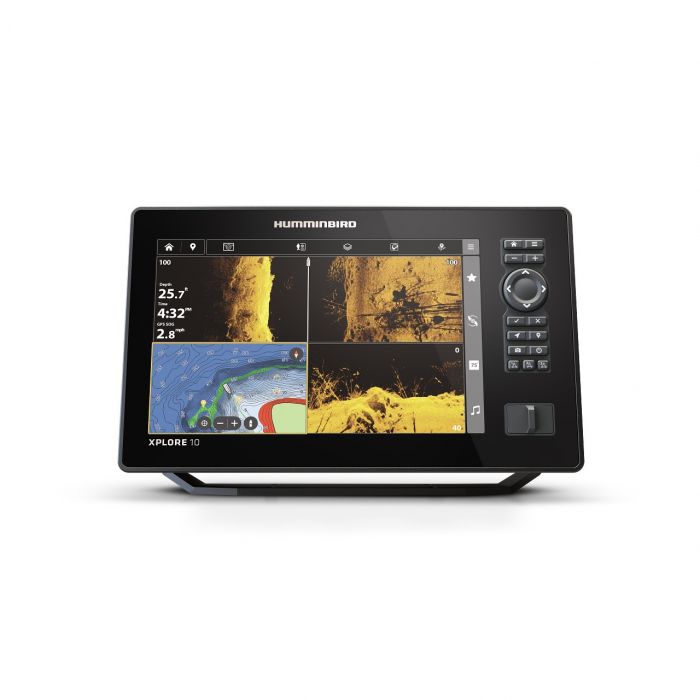
The lowest-priced way in is an XPLORE 9 CHO at $1,299.99, which comes without a transducer. If you also want a regular transducer for 2D and side imaging, the XPLORE 9 CMSI+ is $1,499.99.
A 9 inch screen works, but live sonar wants a lot of screen. The XPLORE 12 CHO ($2,699.99) and the APEX 13 CHO ($3,999.99) give you room for a split view. Our Humminbird fish finder guide compares the graphs.
Between them sits the XPLORE 10 CHO at $2,099.99. The bigger APEX 16 MSI+ ($4,799.99) and APEX 19 MSI+ ($5,299.99) come with a transducer.
On the back of the graph, the transducer plugs into the Ethernet port. If you run two graphs, put a 5-port switch between them, like the AS ETH 5PGL ($329.99).
If you’re on a HELIX now
Your HELIX won’t run MEGA Live 2, so there are three ways to go:
- Find a first-generation MEGA Live: it works on HELIX 8 to 12 G3N and 7 to 15 G4N MEGA SI or MEGA DI models with the AS EC QDE adapter. We don’t sell it.
- Move to an XPLORE or APEX: you get the new transducer and a newer graph in one step.
- Keep the HELIX and add a graph: leave the HELIX at the console for 2D and side imaging, and put an XPLORE at the bow for live sonar.
Mounting the Humminbird MEGA Live transducer
The box includes a shaft mount, a shaft clamp and a bracket for the top-down mode. It mounts on the port or starboard side of the shaft.
Before you clamp anything on:
- Check your motor against Humminbird’s list below, or email us the model.
- Decide whether you want the transducer to follow the motor or turn on its own. That decides the mount.
- Plan the cable run: 20 ft of Ethernet to the graph and 10 ft of power cable.
- Leave slack where the shaft turns so the cables don’t pull tight when you steer.
Minn Kota motors on Humminbird’s list
Humminbird lists the Ultrex, Ultrex QUEST, Fortrex, Maxxum and Edge as compatible. On the Ultrex and Fortrex the install uses rubber pads, and on the Ultrex QUEST it doesn’t. We don’t sell Minn Kota motors, but if you already own one of these, the transducer is made to go on it.
Terrova and the motors we sell
The Terrova isn’t on Humminbird’s list, and neither are the motors we sell: the Garmin Force Pro, Force Kraken, Lowrance Ghost and Lowrance Recon. You can still run it on those motors with a machined mount.
- Live View Transducer Mount ($333): the transducer follows the motor. Listed for the Terrova, Ulterra, Ultrex, Garmin Force and others.
- Cable Steer ($475): you turn the transducer with a knob by the graph. Listed for the Garmin Force, Lowrance Ghost and most Ultrex, Fortrex and Maxxum motors.
- Live Sweep ($1,099): a 12V arm that turns the transducer up to 320 degrees on its own. Kraken and Recon versions are $1,500, and there’s a $200 stabilizer for the Ghost.
Send us your motor model and shaft length before ordering a mount. They’re all in our Live Sweep and transducer mounts section.
TargetLock
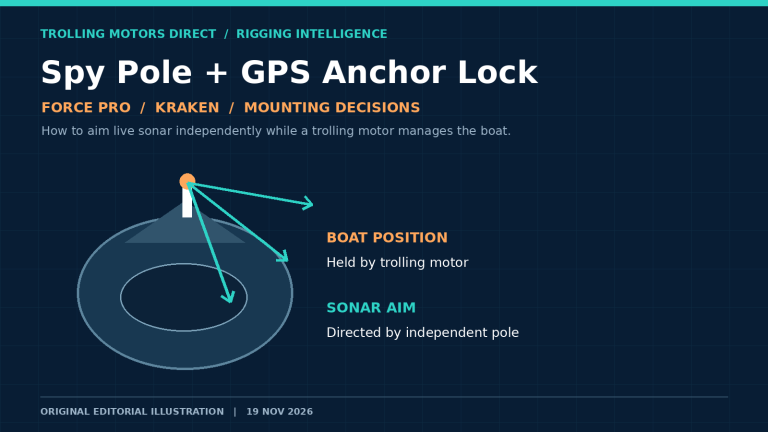
Humminbird MEGA Live TargetLock is a motorized mount that turns the transducer separately from the trolling motor. From the graph you can turn it left and right, lock it on a target, sweep it 120 degrees side to side, or have it follow a Minn Kota motor’s direction.
Lock works best, per Humminbird, when the target sits about two thirds of the way out on the Forward range. Lock needs a paired TargetLock heading sensor. Sweep and Home need a Humminbird heading sensor or a Minn Kota one with Advanced GPS Navigation.
TargetLock needs software 1.180 or later. Pole systems with serial numbers below 250109010001 need the MEGA Live 2 TargetLock adapter (740251-1), which Humminbird tech support provides free. We don’t sell TargetLock.
On a pole
Humminbird says you can use a third-party pole if you don’t have a compatible motor. The Handscope ($265) is listed for MEGA Live and comes in 52 and 62 inch lengths. Pair it with the Over the Side Mount ($389) to hold it off the side of the boat. That mount clamps to the deck, telescopes up and down and swivels, so you can set the pole height for the water you’re in.
For ice, Humminbird sells a compact pole mount (740255-1). That one doesn’t support the top-down mode. The included shaft mount and top-down bracket on an ice pole do.
Wiring and power
MEGA Live 2 is a 12V device. That matters on boats with a 24V or 36V trolling motor system.
- Use a 12V source: the input range is 10 to 20 VDC. Humminbird’s guide says it must connect to a 12 VDC supply, and it doesn’t cover 24V or 36V systems.
- Go through a switch or fuse panel: Humminbird says to connect to a main switch or fuse panel. If you go to a battery, add a battery switch.
- Fuse it at 2 A: Humminbird doesn’t recommend a direct battery connection without a fuse and switch.
- Get the colors right: red to positive, black to negative, and the drain wire to chassis ground.
- Extend with 12 gauge: use multi-stranded copper if the 10 ft power cable doesn’t reach.
- Update the graph: APEX units need software 5.060 or later.
- Install the mask: the long mask (7/8 inch) is for 60 degrees and the short one (1/2 inch) for 45 degrees. Humminbird recommends the short one if you change angles often.
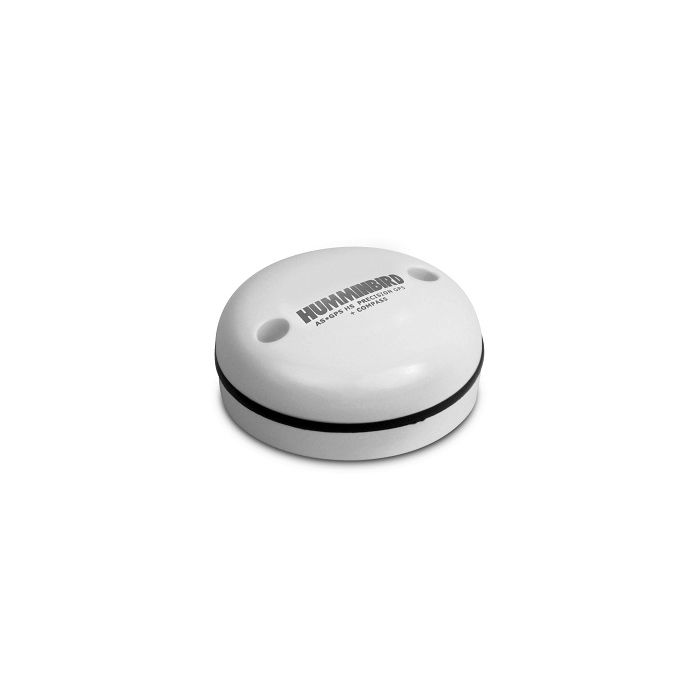
Full details are in the MEGA Live 2 installation guide. For the navigation features, add a heading sensor such as the AS GPS HS ($269.99).
Finding 12V on a 24V or 36V boat
The usual advice is to power electronics from the starting battery or a separate 12V battery. Don’t tap one battery out of a 24V or 36V trolling motor bank, because pulling from one battery in a series bank drains it unevenly. Our 24 volt trolling motor guide explains how those banks are wired.
Pairing MEGA Live with MEGA 360
MEGA 360 sweeps a full circle around the boat. Live sonar shows a thin slice in real time. They do different jobs, so they pair well: 360 to find cover and fish around the boat, live sonar to fish it.
They can share one graph. Humminbird’s help center says MEGA Live connects through the Ethernet port or a switch, and MEGA 360 connects through the transducer port, sometimes with a Y cable.
MEGA 360 mounts separately from the trolling motor shaft, so the picture stays steady when the motor turns. It comes with a 10 ft power cable and transducer cables for the graph, and dealers list it as compatible with XPLORE and APEX. Our options:
- No mount: MEGA 360 Imaging, $1,199.99, for use with one of our machined mounts.
- Minn Kota motors: the Ultrex 2 system or the Fortrex system, $1,299.99 each.
- Bundles with a mount: MEGA 360 with a Terrova, Kraken or Recon mount, $1,788.99.
- Mounts alone: $589 for the Kraken or Recon, $297 for Garmin Force hardware, and a $153 clamp for Fortrex, Maxxum, Ghost, Handscope and Live Sweep.
If you can only buy one this year, we’d start with Humminbird MEGA Live and keep using side imaging to find cover. Add MEGA 360 when you want to see all the way around the boat while you sit still.
How it compares with LiveScope and ActiveTarget
All three live sonar systems do the same job, and each only runs on its own brand of graph. If you own a Humminbird XPLORE or APEX, this is your option.
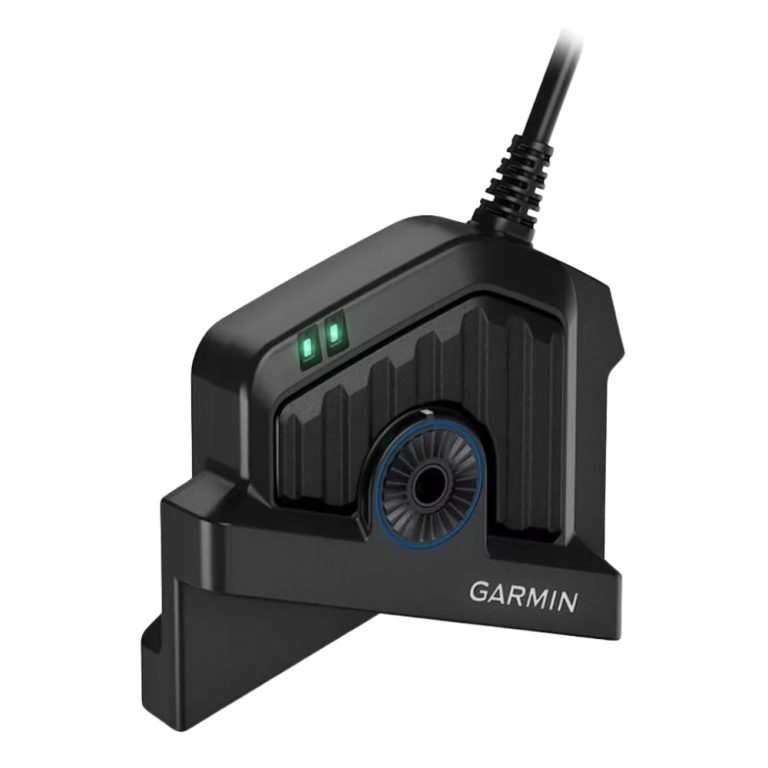
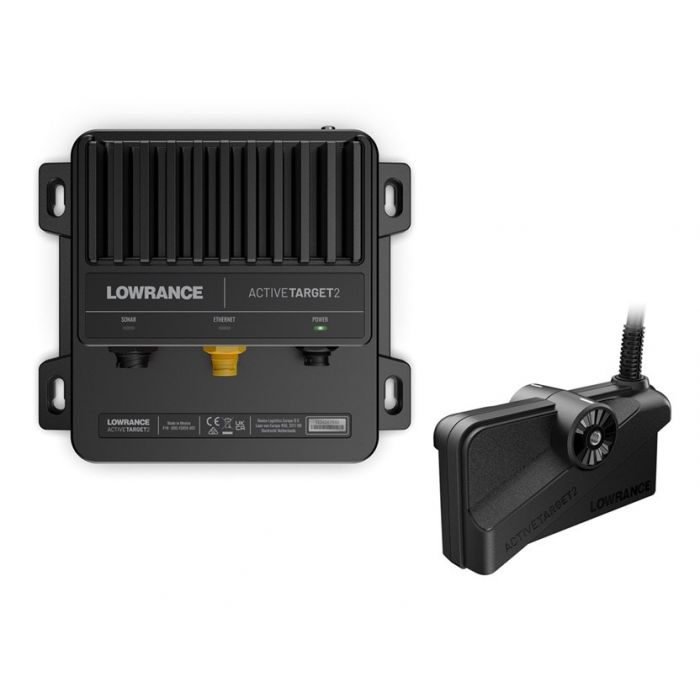
- Range: 150 ft for MEGA Live 2. Garmin lists 250 ft for the LiveScope 2 LVS44. Lowrance’s spec page for ActiveTarget 2 doesn’t give a range.
- Power: the Humminbird needs a 12V supply. Garmin LiveScope 2 and ActiveTarget 2 list 12V and 24V.
- Hardware: neither MEGA Live nor LiveScope 2 has a separate box. ActiveTarget 2 uses a module.
- Price here: $1,599.99, against $1,999.99 for the LVS44 and $1,399.99 for the ActiveTarget 2 system.
Our forward facing sonar guide compares the three in more detail.
What we’d buy
For a Humminbird boat starting from nothing, the MEGA Live 2 and an XPLORE 10 CHO ($2,099.99) is a sensible middle ground. The 9 inch saves $800, and the 12 inch is easier to read in a split view.
- Tight budget: XPLORE 9 CHO plus the transducer, $2,899.98 total.
- You want 2D and side imaging on the same graph: an XPLORE CMSI+ model, which comes with a transducer.
- Big bow setup: an APEX 13 or 16 with room to run live sonar and a chart side by side.
- Ultrex owners: the MEGA 360 Ultrex 2 system, so 360 and live sonar run off the same graph.
For a mount on the motors we sell:
- Garmin Force Pro: the Live View mount ($333) to start, or the Cable Steer ($475) to aim it by hand.
- Garmin Force Kraken: the Live Sweep for Kraken ($1,500).
- Lowrance Ghost: the Cable Steer, or a Live Sweep with the $200 Ghost stabilizer.
- Lowrance Recon: the Live Sweep for Recon ($1,500).
- Minn Kota Terrova: the Live View mount, which lists the Terrova.
Fit can depend on the motor year and shaft, so email us the model before you order a mount.
Gear in this guide
Questions about Humminbird MEGA Live
Does Humminbird MEGA Live 2 work with HELIX?
No. Humminbird lists HELIX as not compatible. The original version worked with some HELIX G3N and G4N models through an Ethernet adapter.
What is the range of MEGA Live 2?
Up to 150 ft, per Humminbird’s operations guide. Salt water, thermal layers and bottom type can cut that down.
Can I run MEGA Live 2 on a 24V or 36V boat?
Yes, but power it from a 12V source, not the trolling motor bank. Humminbird says it must connect to a 12 VDC supply.
Does the MEGA Live transducer need a heading sensor?
Not for the live picture. Humminbird says a GPS heading sensor is needed for the navigation features, like the boat icon and waypoints, and TargetLock needs its own paired sensor.
Can I use MEGA Live for ice fishing?
Yes, on an ice pole. Humminbird’s compact pole mount (740255-1) is one option, but it doesn’t support the top-down view. The shaft mount and top-down bracket from the box can also go on an ice pole.
Will my old MEGA Live TargetLock work with MEGA Live 2?
Yes. Humminbird supports new and existing TargetLock systems. Pole systems with serial numbers below 250109010001 need the free 740251-1 adapter from Humminbird tech support.
Electronics are final sale here. Email sales@trollingmotorsdirect.org with your graph, software version and trolling motor, Monday to Friday, 9am to 6pm, and we’ll confirm it all works together before you order.